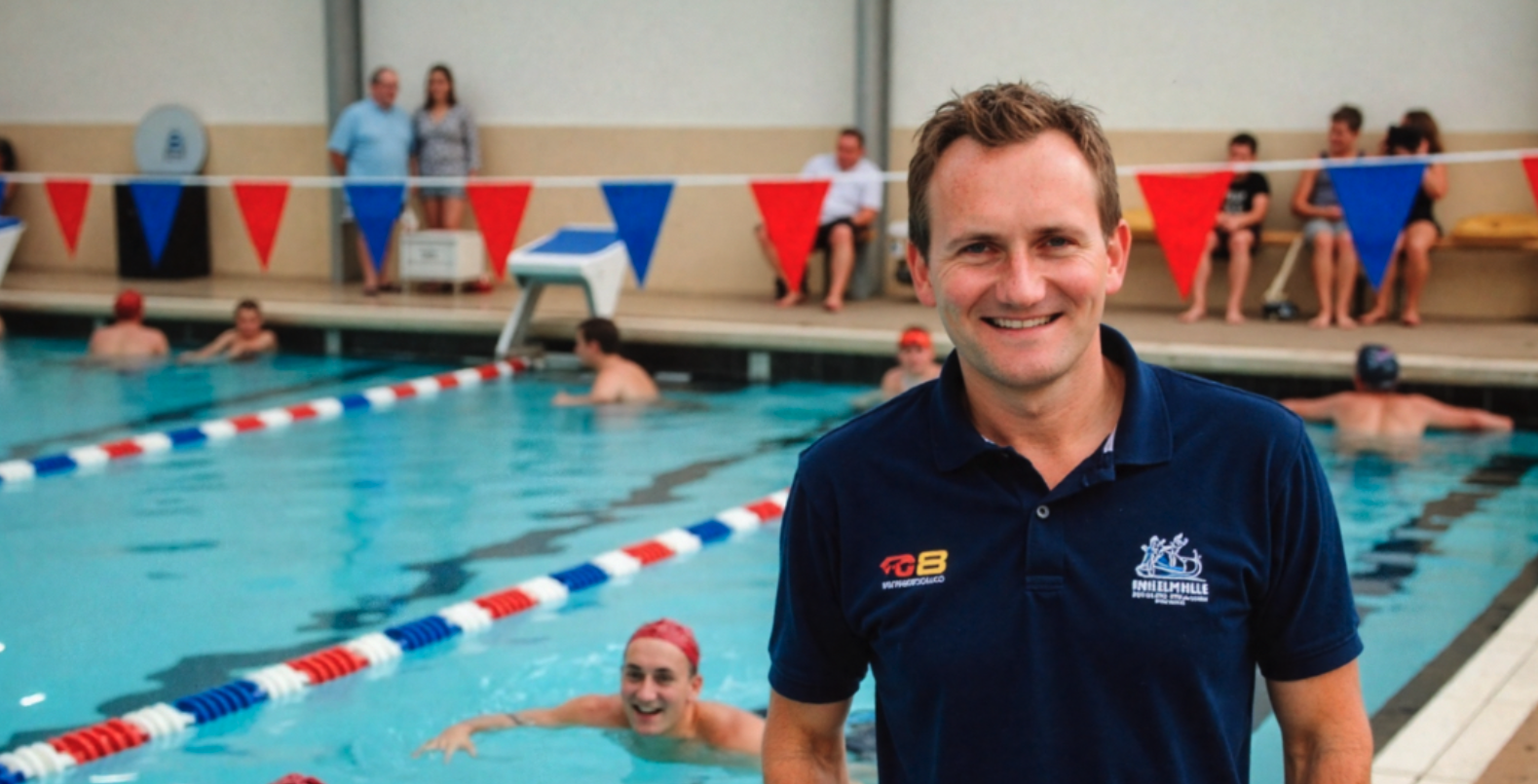
I coach two squads: PC1 (10–12 years) is chasing County times, and C2 (14–16 years) has already achieved them. That means early mornings, evening sessions, and everything in between. Like most coaches, I wear many hats: planner, motivator, communicator, administrator, mentor, and fixer of kicks and breaks.
But now I’ve got help.
ChatGPT is my AI assistant—and honestly, it’s been a game changer.
Here’s how I use it:
1. Session Planning, Done in Seconds
I give it the squad, time, and focus:
“PC1, 1 hour, butterfly kick + dive + backstroke start skills.”
It delivers a full Swim England–aligned session, with HR zones, drill ideas, rest intervals (e.g. 10”, 1’), and even formats it for the whiteboard.
2. Instant Feedback for Stroke Corrections
Poolside, I describe a problem:
“Fly kick loses rhythm after breakout.”
It suggests cues, drills, and fixes on the spot. I’ve used this live off my phone. It works.
3. Swimmer & Squad Summaries
I upload swim times, and it:
- Highlights who’s near the County/Regional qualifying
- Tracks progress
- Helps me prep one-to-ones or squad updates
4. Emails, Reviews, and Admin
Need to reply to a parent query?
Need to write a swimmer review?
Need to update the coaching team?
I ask. It writes clean, clear, professional responses instantly. I tweak and send.
5. My Daily Schedule, Managed
Coaching life means early starts, late finishes, and the risk of caffeine-fuelled burnout. So I ask ChatGPT to help manage my day.
It builds me a schedule with:
- Meal timing
- Nap windows
- Caffeine cut-offs
- Creative time
- Travel buffers
- Realistic rest
My brief? More rest, less coffee! It listens.
Bottom Line?
This tool doesn’t replace me—it supports me. It frees my brain for what matters: coaching, connection, and care.
If you’re a swim coach spinning too many plates, give it a try. It might be the most reliable assistant you’ve ever hired.
If you’d like a demo or want to know how I integrate it with spreadsheets, whiteboard plans, and daily logs, just ask. Happy to share what’s working.

